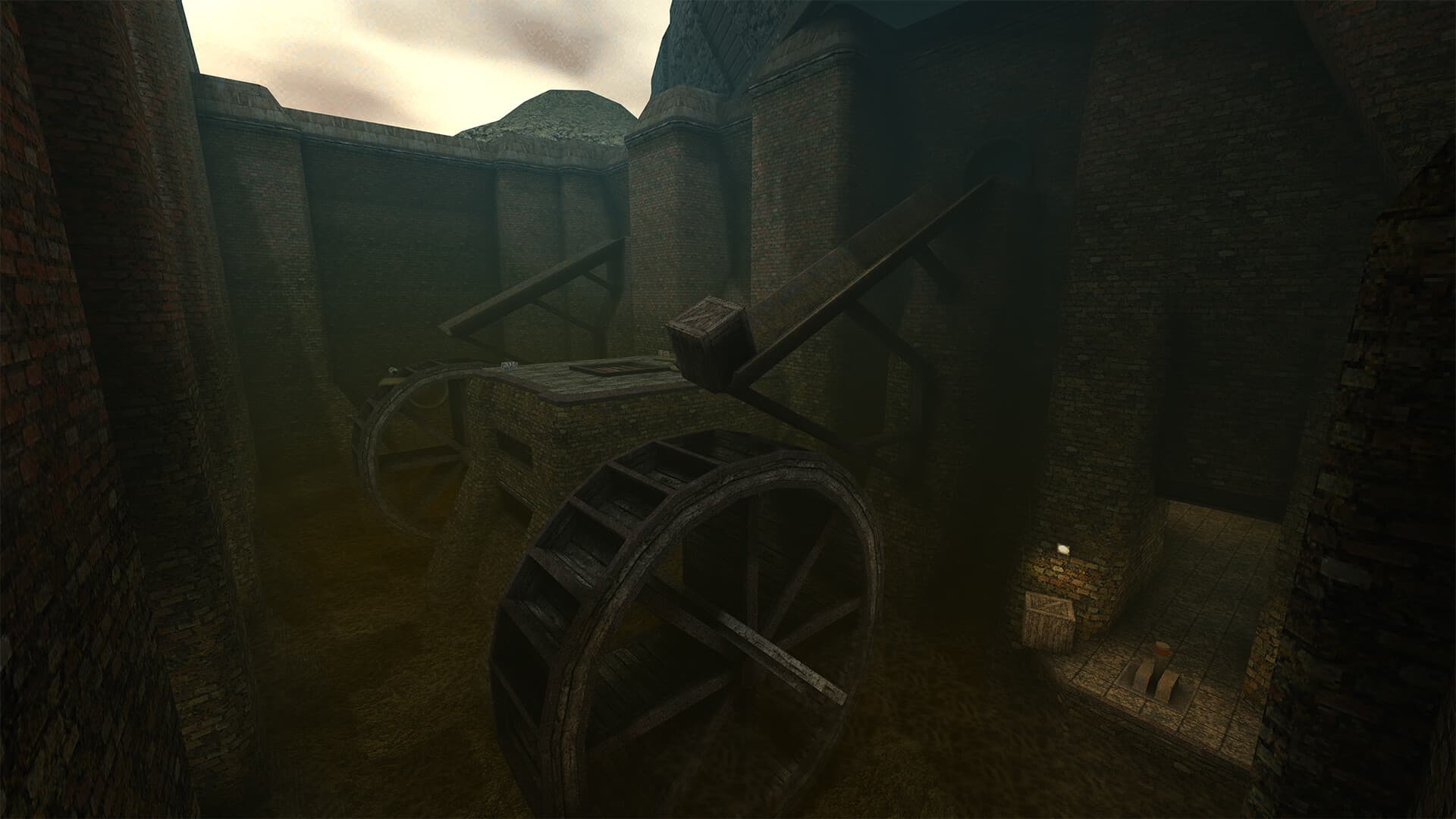
Quake II: Enhanced Edition
Frequently Asked Questions
Can I play Quake II: Enhanced Edition on Android?
You can run Quake II: Enhanced Edition on Android devices using a Windows compatibility emulator like Winlator or Mobox. While results depend heavily on your specific phone GPU (such as Adreno or Mali) and processor, many users report stable gameplay by tuning setup containers, screen resolutions, and visual graphics configurations.
What are the system requirements for emulating Quake II: Enhanced Edition?
To emulate Quake II: Enhanced Edition smoothly on mobile, we recommend a flagship device powered by a Snapdragon 8 Gen 2, Snapdragon 8 Gen 3, or equivalent MediaTek processor. Flagship devices like the Poco F6 provide the high GPU memory and thermal cooling required to maintain playable frame rates at high quality levels.
How do I configure controls for Quake II: Enhanced Edition on mobile?
Winlator allows you to design custom on-screen virtual controllers or map external physical gamepads via Bluetooth. We recommend importing our optimized controller presets designed specifically for action and adventure games. This maps critical keys like analog sticks, triggers, and utility menus to screen touch targets.
Where can I download the Winlator emulator container?
You can download the latest official version of the Winlator emulator directly from its official repository on GitHub. We provide complete setup guides, recommended Wine configuration settings, and container configuration guides on our blog to help you install it and run your desktop games without issues.