Next-Gen Emulation Performance
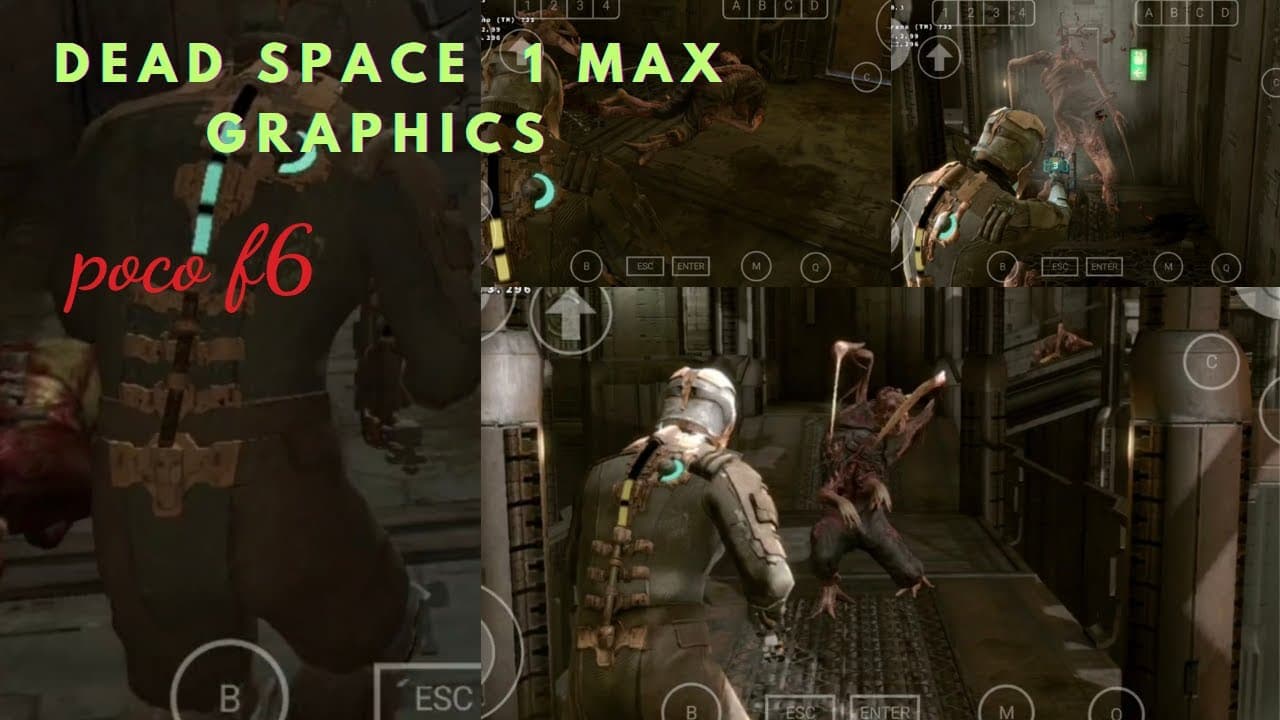
The Poco F6 is a mobile powerhouse, powered by the flagship-tier Snapdragon 8s Gen 3 processor. To test its raw gaming capabilities, we loaded the classic PC version of **Dead Space** via the Winlator emulator. The result? An absolutely mind-blowing **100 FPS** at maximum graphics settings!
Poco F6 Hardware Advantage
The Snapdragon 8s Gen 3 processor features an advanced Adreno GPU that natively supports modern graphics APIs. Combined with fast LPDDR5X RAM, it easily handles the physics engine, real-time lighting, and atmospheric fog effects of Dead Space.
Optimal Container Config for 100 FPS
- Graphics Driver: Turnip (Adreno) v24.0.0 (custom driver build)
- DXVK Wrapper: DXVK 2.3.1 (provides superior frame compilation)
- Wine Environment: Wine-Esync enabled for multi-threaded performance
- Game Settings: 720p resolution, High details, V-Sync Disabled
Achieving 100 FPS on a PC game from 2008 running on a mobile phone highlights how rapidly mobile chips and emulation software are evolving!
Gameplay Showcase & Temperature
During our 30-minute gameplay showcase, the Poco F6 maintained an average of 95-100 FPS. Device temperatures remained under 42°C, proving that thermal throttling is minimal on this processor. The controls remained lag-free, creating a stellar survival horror experience on mobile.