The Zone in the Palm of Your Hand
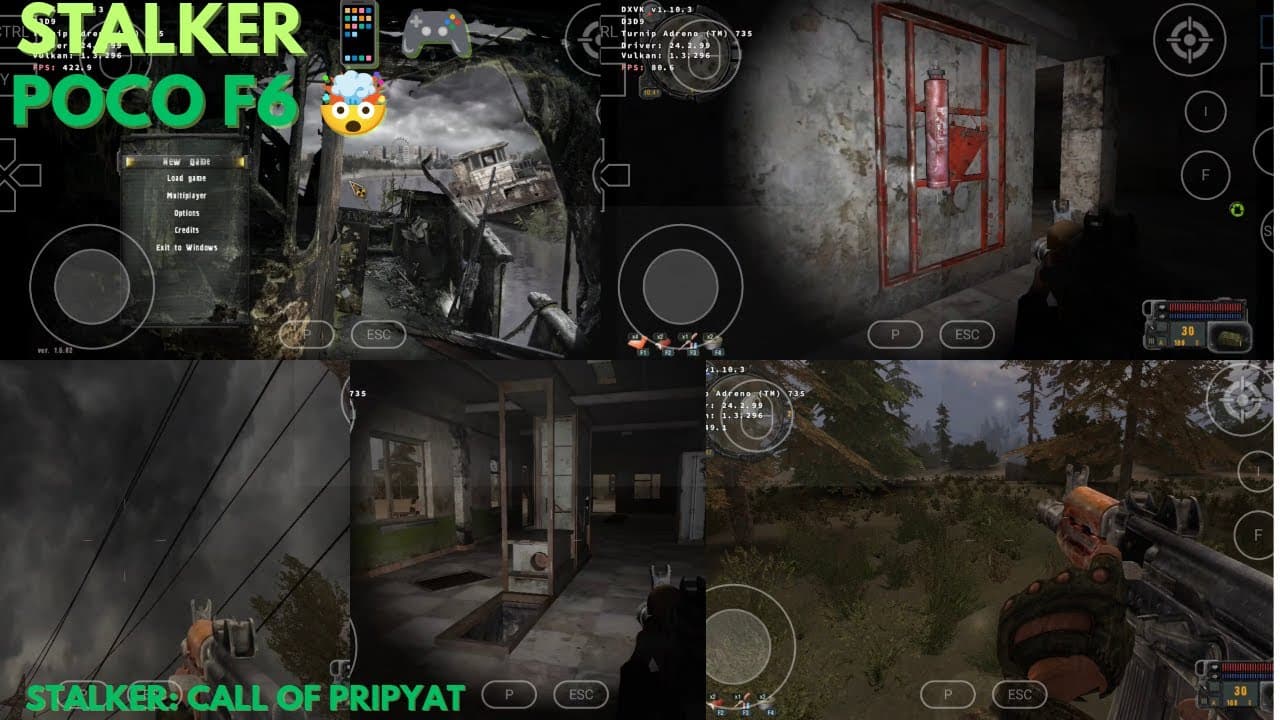
S.T.A.L.K.E.R. Call of Pripyat is a legendary survival shooter famous for its atmosphere, radioactive hazards, and unpredictable AI faction system. Today, we're detailing how to run the full, uncompromised PC version offline on your mobile phone via emulator setups.
Game Installation Guide
- Install S.T.A.L.K.E.R. Call of Pripyat on your PC (GOG version is highly recommended for DRM-free access).
- Copy the complete game folder from your PC to the
Downloaddirectory on your Android device. - Install and set up the latest version of Winlator or ExaGear emulator.
- Create a container, configure the graphics driver, and run the game's executable (
StalkerCoP.exe).
Graphics & Input Customization
- Graphics Options: Set render mode to DirectX 9 (static lighting) for maximum performance, and run at 1280x720.
- Keyboard Mapping: Map essential Stalker keys to your touch inputs: W/A/S/D for movement, F for interact, I for inventory, Shift for sprint, and Ctrl to crouch.
S.T.A.L.K.E.R.'s immersive gameplay and offline capabilities make it the perfect PC game to dive into during long travels or commutes!
Conclusion
Emulating Call of Pripyat runs surprisingly well on modern Android processors. The dark, eerie atmosphere and intense tactical gunplay translate beautifully to mobile, delivering a true hardcore survival experience on your phone.