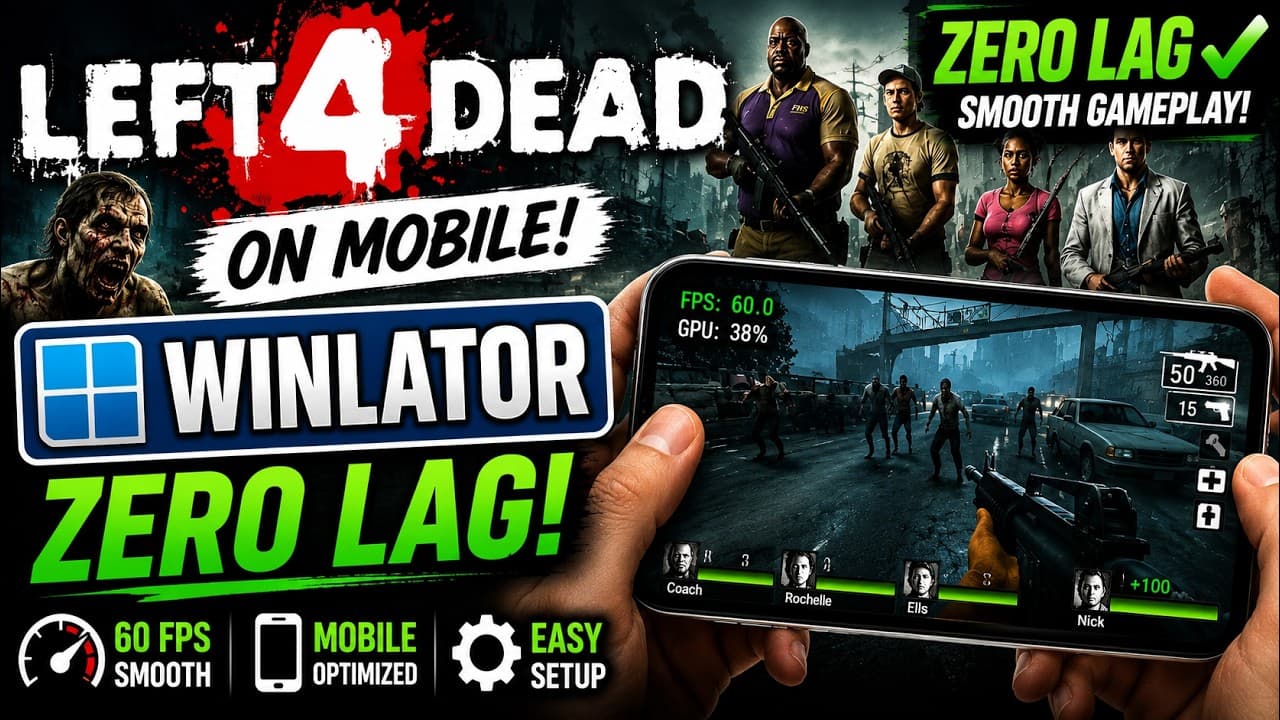
The Zombie Apocalypse Goes Portable
Left 4 Dead remains one of the greatest cooperative shooters of all time. Thanks to rapid advancements in the Winlator emulator, you can now host local lobbies and slay hordes of infected right on your smartphone. We tested the setup and achieved a completely playable, zero-lag 60 FPS gaming session.
Getting the Game Ready
For the best compatibility, we recommend using the DRM-free Steam backup or GOG version of Left 4 Dead. Copy your game folder to the internal storage of your device under the Download directory (which maps directly as the D: drive in Winlator).
Recommended Graphics & Wine Settings
- Wine Version: Proton 8.0 or custom Wine-GE
- Renderer: Turnip (Adreno) + DXVK 2.3
- Resolutions: 960x540 (Recommended for 16:9 aspect ratio scaling on mobile screens)
Controls Customization
We created a custom virtual controller profile layout containing buttons for quick actions:
- L1 Button: Mapped to Left Shift (Walk/Sneak)
- R1 Button: Mapped to Left Click (Shoot)
- A Button: Mapped to Space (Jump)
- Y Button: Mapped to Q (Quick Switch weapon)
Left 4 Dead's Source Engine is highly optimized, making it one of the easiest and most satisfying PC games to emulate on mid-range Android hardware!
Conclusion
Whether you're playing solo with bots or trying out survival maps, Left 4 Dead runs wonderfully on mobile. Frame rates are highly stable, hover around 60 FPS, and controls feel incredibly responsive once mapped.